Your moments,
better together.
Photos, videos. A story worth sharing. Bring your favorite moments into one frame.
See how it worksAndroid · Public testing coming soon


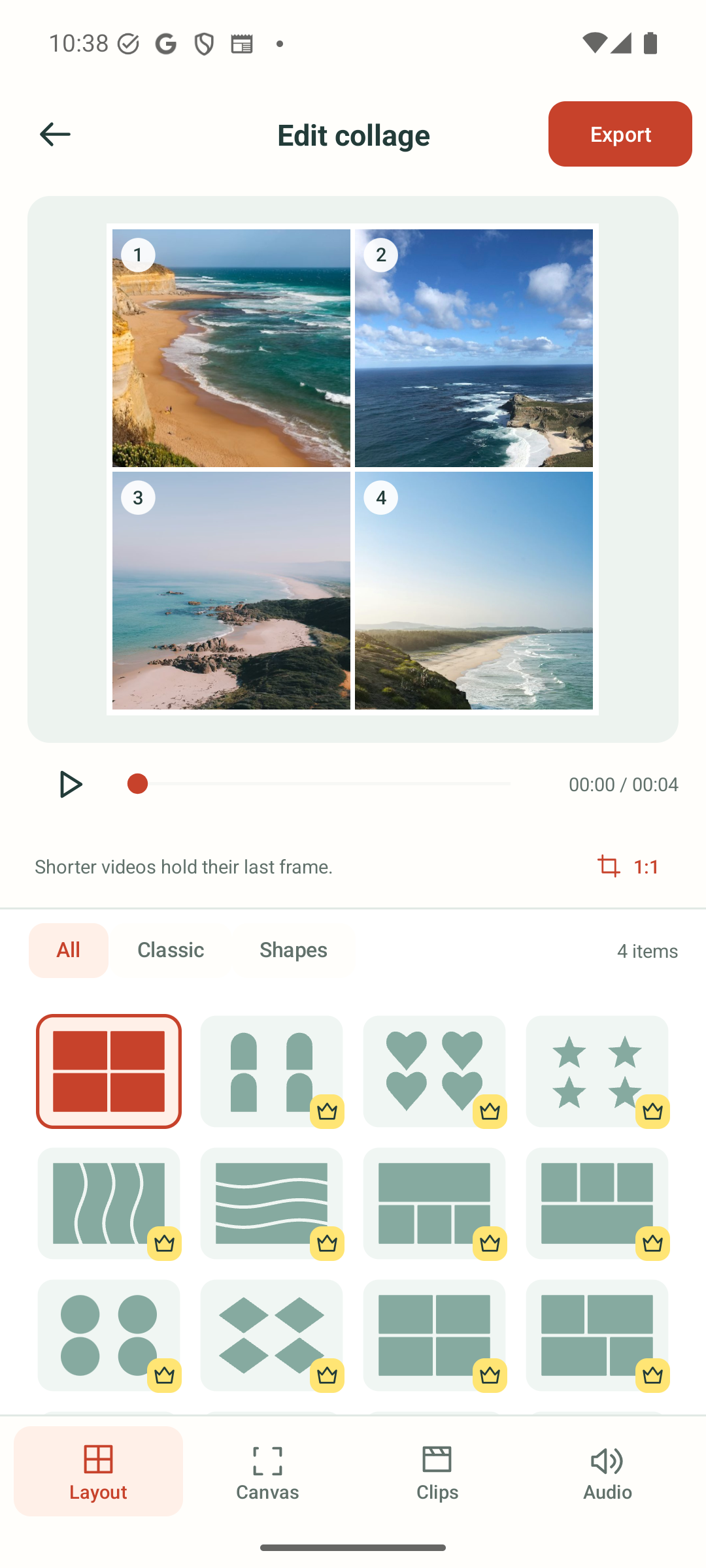
A frame for
every kind of moment.
Start with a simple split. Try a heart, star or wave. Preview the layout, then give each moment its own space.
- Mix your mediaChoose 1–10 photos, videos, or a little of both. Up to 4 share a frame; 5–10 play in sequence.
- Find the right framingDrag, pinch, rotate, flip, or replace any item.
- Set the soundTrim your clips, choose one soundtrack, mix, or mute.
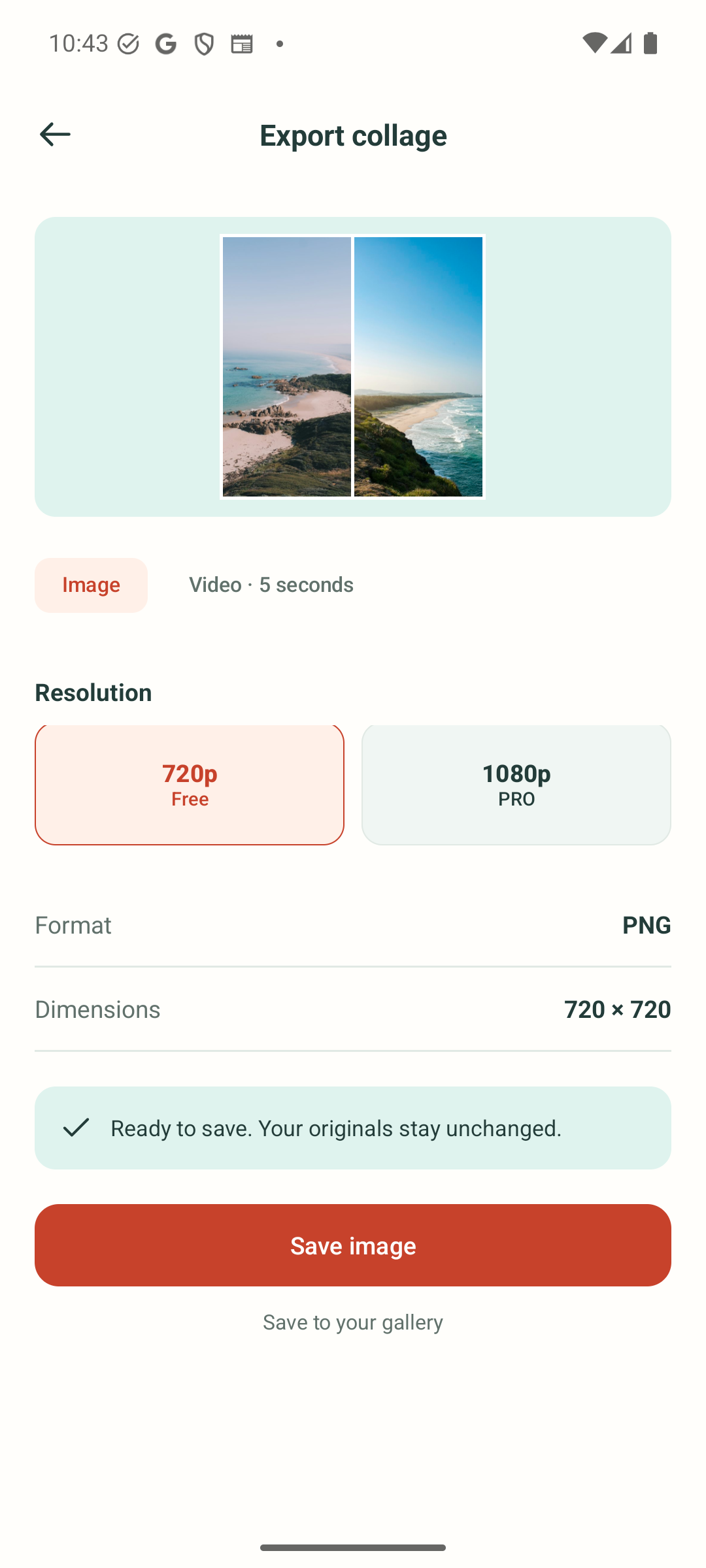
Keep it still.
Or keep it moving.
With 1–4 photos, save your collage as a PNG or a 5-second video. In a collage with video, photos stay in frame and shorter videos hold their last moment until the longest trimmed clip finishes.
Choose 5–10 items to make a sequential MP4 instead: photos play for 5 seconds each, followed by the next item in your chosen order. Keep a local draft for later, then share the finished file when it feels right.
Start with the essentials.
A small selection of basic layouts and 720p export is free. The free app may show app-open ads.
Make room for more.
A one-time Pro purchase unlocks more classic and creative layouts, 1080p export, and an ad-free experience.
Available offers, prices and benefits are shown in the app before purchase.
A few things to know
Can I mix photos and videos?
Yes. Use 2–4 photos, videos, or a mix in the same collage. With 5–10 items, the app makes one sequential video rather than a multi-cell layout.
Can I start with just one photo or video?
Yes. Choose any template and use Clips to pick its position. Your media plays in that cell; the remaining cells show the canvas background.
Are my media files uploaded?
Collage rendering happens on your device. We do not upload your media for processing. Ads, diagnostics, purchase verification and feedback use network services; see the privacy policy for details.
Can I come back to a collage?
Open a local draft from Projects to keep editing. Export important work before uninstalling or clearing app data.
Where can I download it?
The app is in internal testing. We are preparing public testing on Google Play; a joining link will appear here when it is available.
Need a hand?
We are here to help you keep creating.